Remove the drums from any song. Free.
DrumFade is an Android app that strips the drums out of any song in your library, right on your phone. Play the kit part yourself instead of fighting the recorded drummer.
Get the app
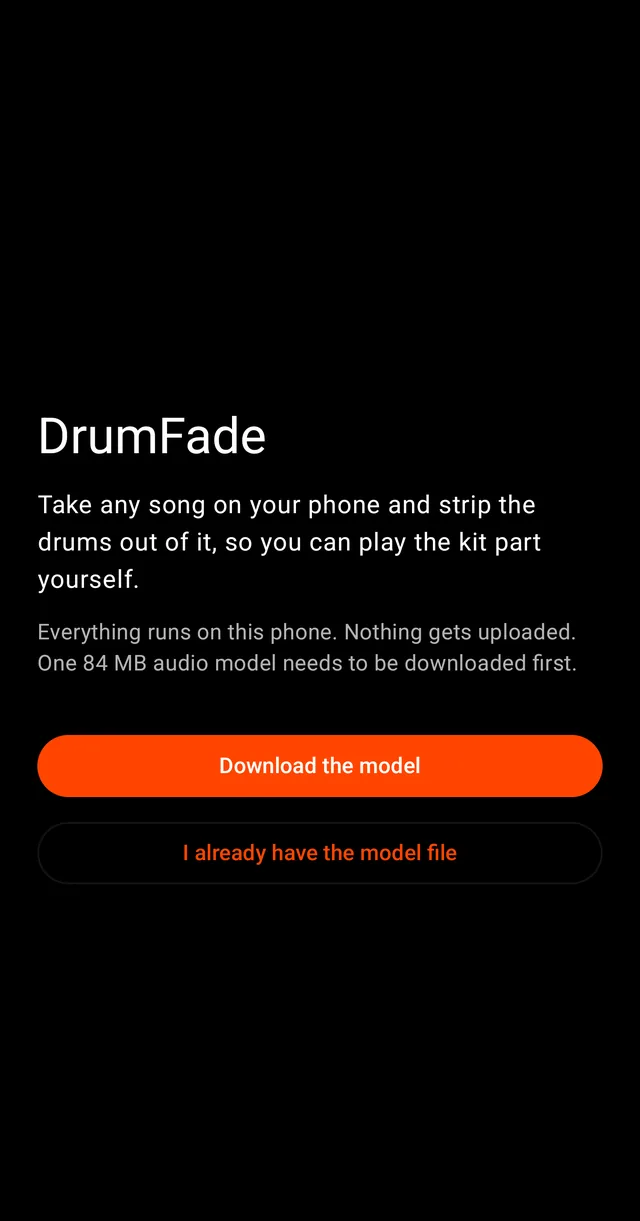
DrumFade is on Google Play. Free, no account, no subscription, no song limit. Everything runs on your phone.
Android 8.0 or newer. Free.
Want a note when something big ships?
Leave your email and we send an update note when there is one. No newsletter, no drip. Reply stop to any email and you are off the list.
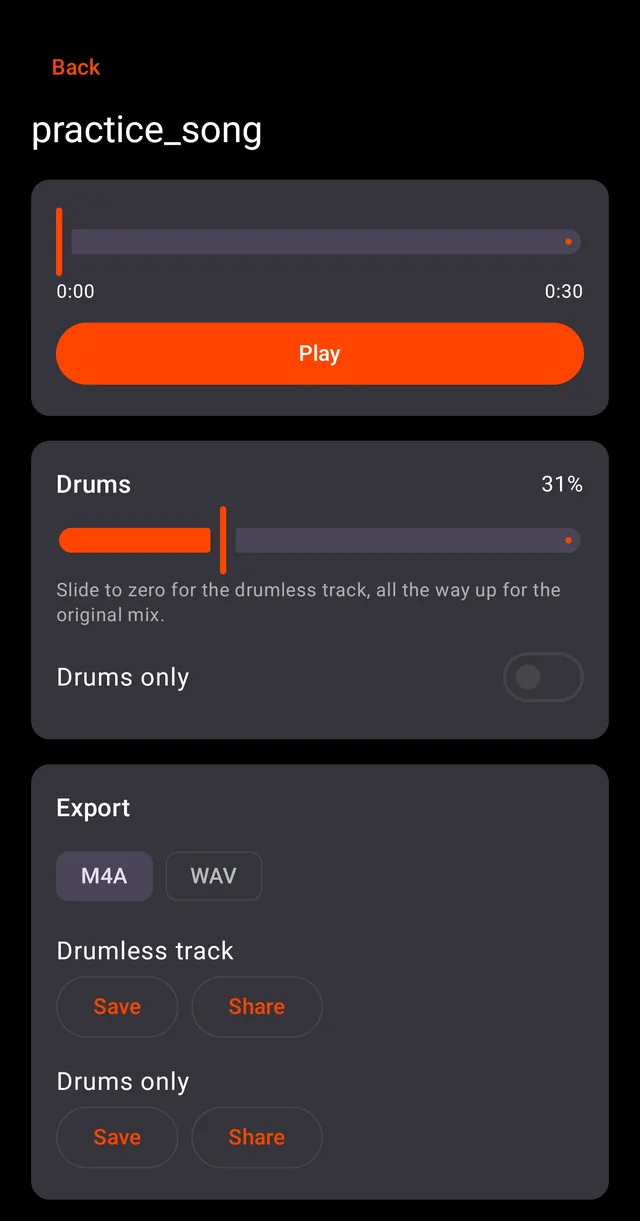
What it looks like
How it works
- Pick any song file on your phone. MP3, M4A, FLAC, WAV, OGG all work. No files yet? Here is the easiest way to get one.
- DrumFade separates the drums on the device. A typical song takes 20 to 30 minutes; start it, go warm up, come back.
- Play along with a live drums fader, from full original mix down to fully drumless. Export the drumless track or the drums alone.
Nothing leaves your phone
There is no upload, no account and no server. The separation model runs on your phone's own processor, which is why DrumFade can stay free: serving you costs nothing. Your music never touches the internet.
Real separation quality
DrumFade runs the same family of AI separation models that the paid services built their reputation on, at full fidelity, and exports lossless WAV. Your song is never compressed through an upload.
Made by a drummer
Same shop as DrumLock. Built because playing along to a song that already has a drummer on it teaches you to follow, not to play.